Coursework Introduction
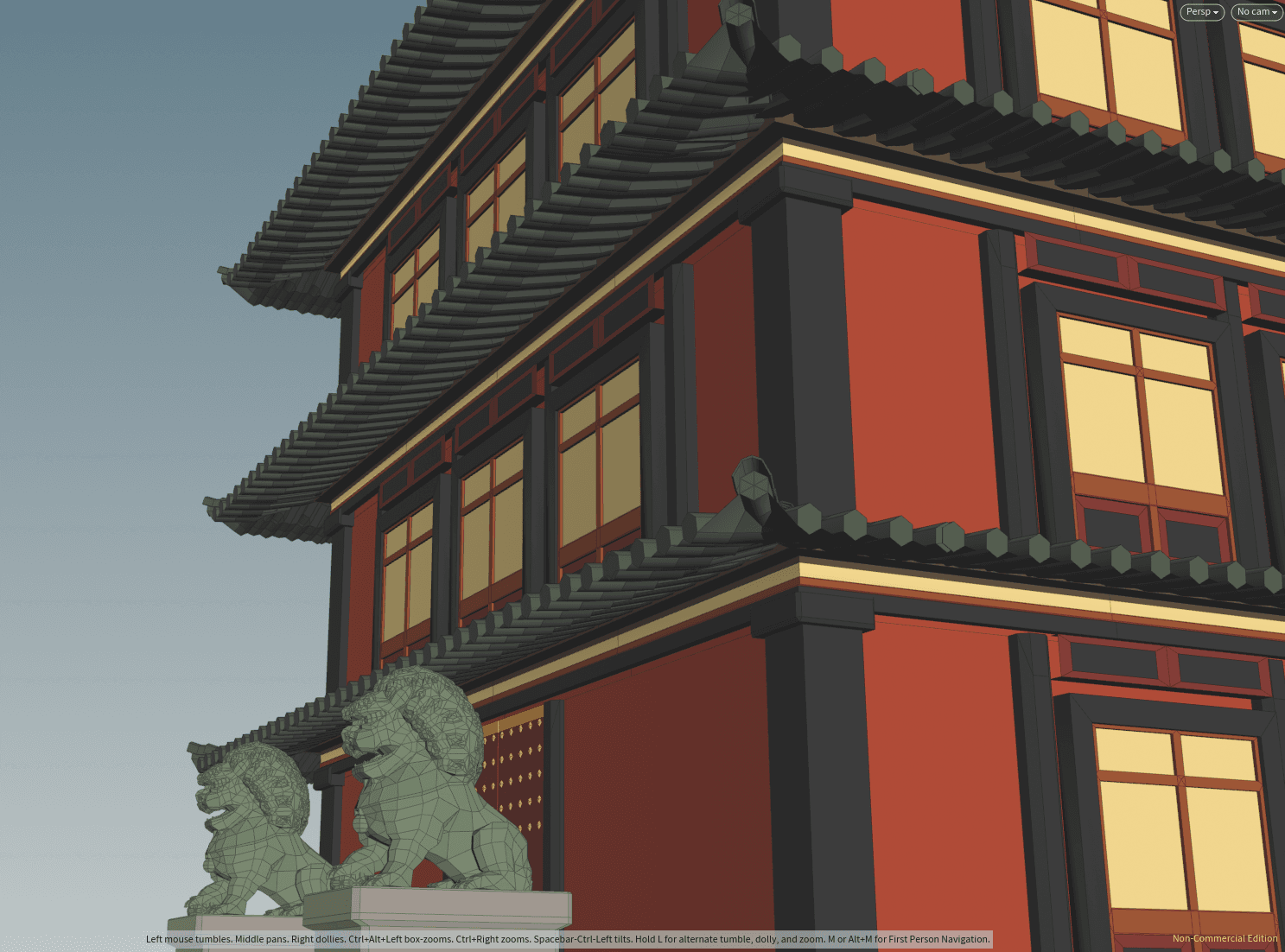
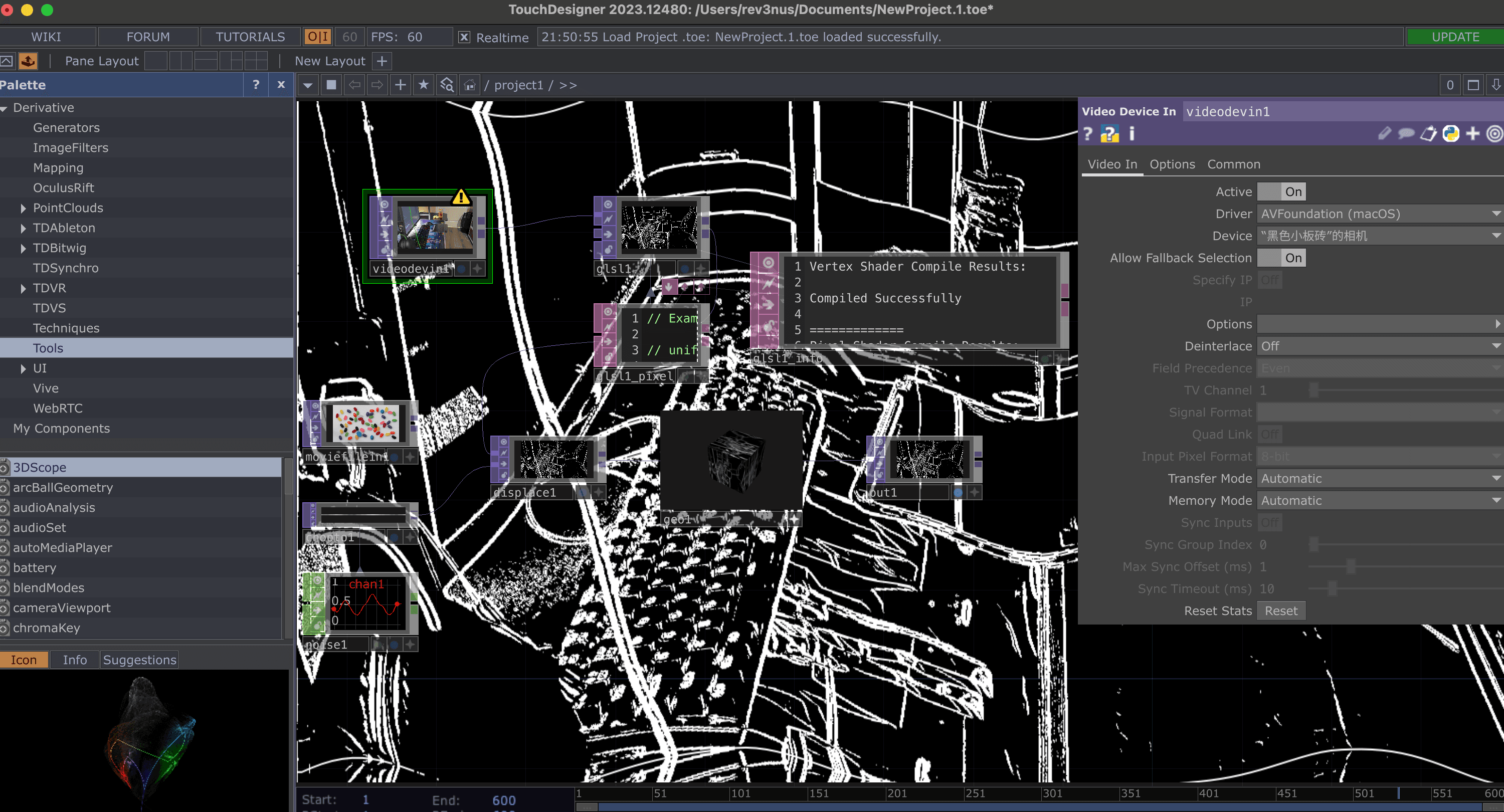
In this assignment, I used a 2D concept art piece as inspiration to create a 3D Stylized scene in Unity.
1. Interesting Shaders
a. Improved Surface Shader:
- Multiple Light Support
- Additional Specular Highlight Feature
- Custom Shadow Pattern
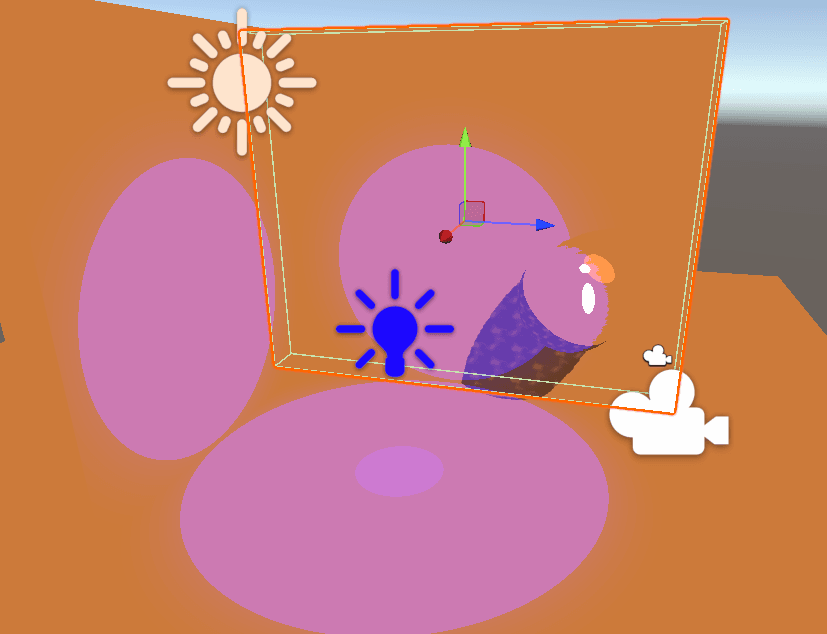
b. Special Surface Shader:
- Animated colors
2. Stylized Scene
In this project, I implemented 2 stylization effects with different concept arts, and built a simple transition animation for them.
a. Kuwahara Filters
AKF Introduction
For the first shader I tried to implement some pretty NPR rendering effects in current games, like the Zelda games. They have graphics that combine both realistic and cartoony shaders.
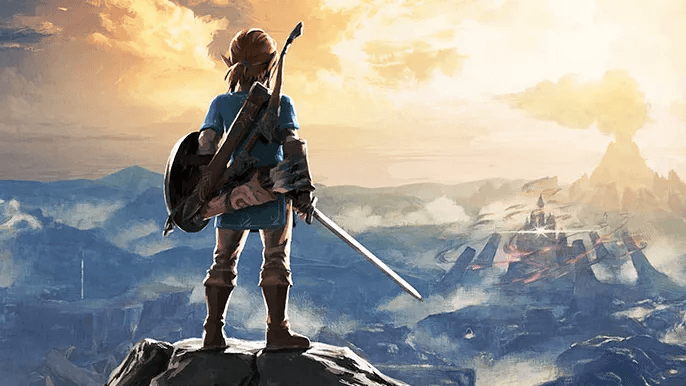
To achieve that effects, multiple passes with carefully configured shaders are needed. But there's a simpler method to get these graphics, which is the Kuwahara Filter.
The Kuwahara filter is a non-linear smoothing filter used in image processing for adaptive noise reduction. Most filters that are used for image smoothing are linear low-pass filters that effectively reduce noise but also blur out the edges. However the Kuwahara filter is able to apply smoothing on the image while preserving the edges.
However, because its sampling kernel is isotropic (i.e., square, with equal weight for all directions), it cannot perceive the "structural direction" of the image. When encountering fine edges or sharp corners that are not horizontal or vertical, it tends to "round" the edges, failing to produce long, flowing strokes that follow the contours of the object.
Therefore, we need something anisotropic to dynamically deform and stretch the sampled area according to the local structure of the image, so that its shape becomes an ellipse that fits the edge direction. In this way, when the filter processes the outline of an object, its sampling "strokes" will naturally stretch along the direction of the outline, resulting in a very smooth and beautiful painting effect.
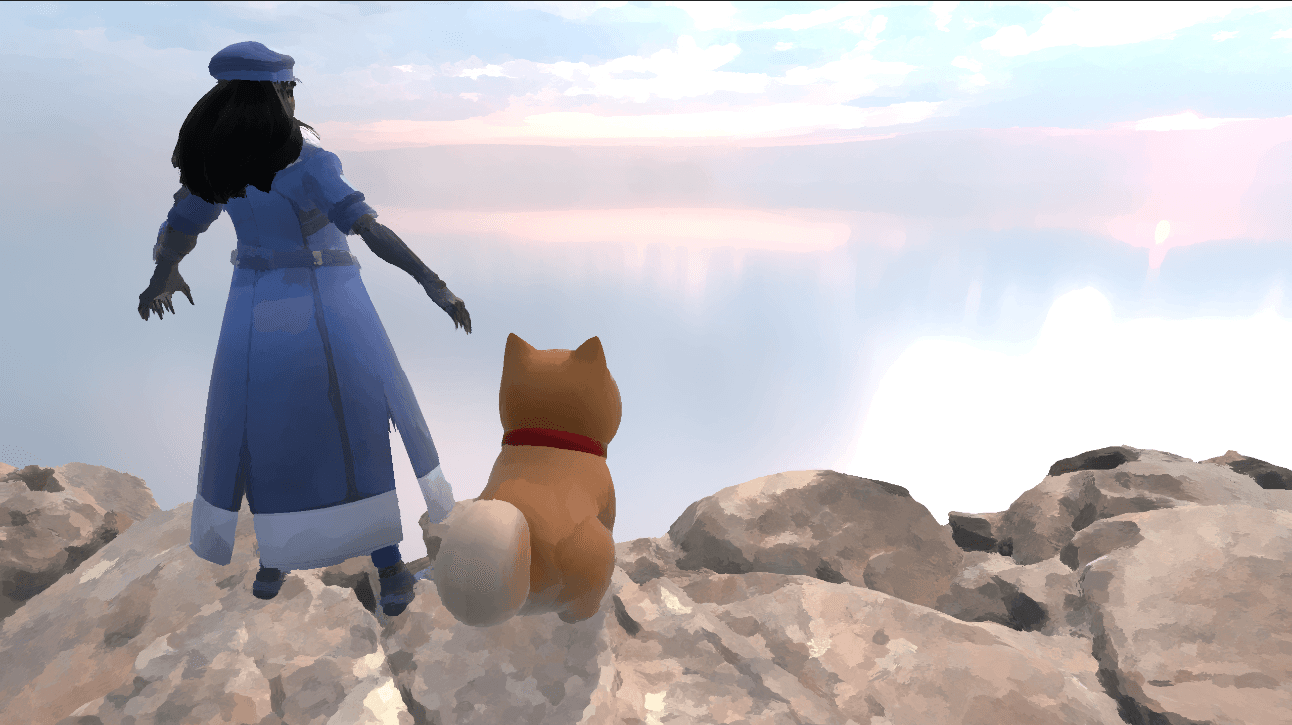
In my Kuwahara Filter Shader, I implemented both isotropic and anisotropic Kuwahara Filters in renderer feature with configurable params.
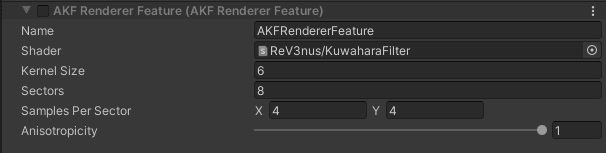
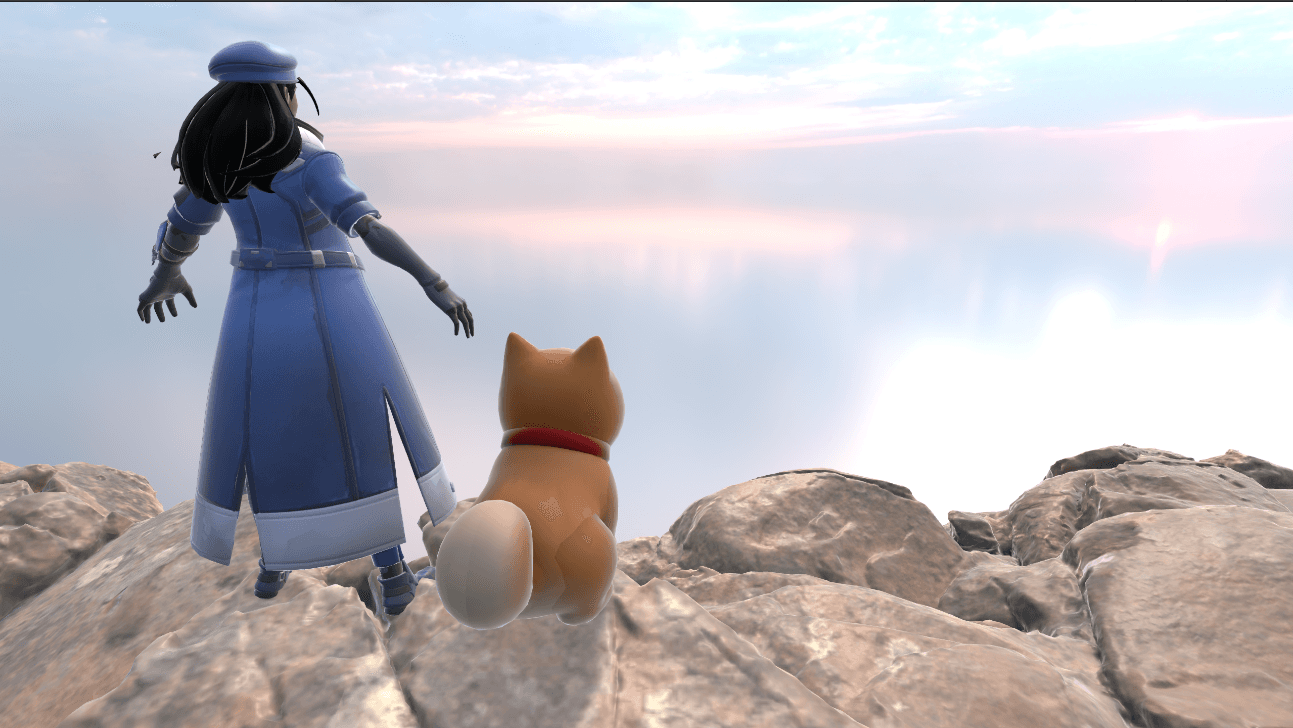
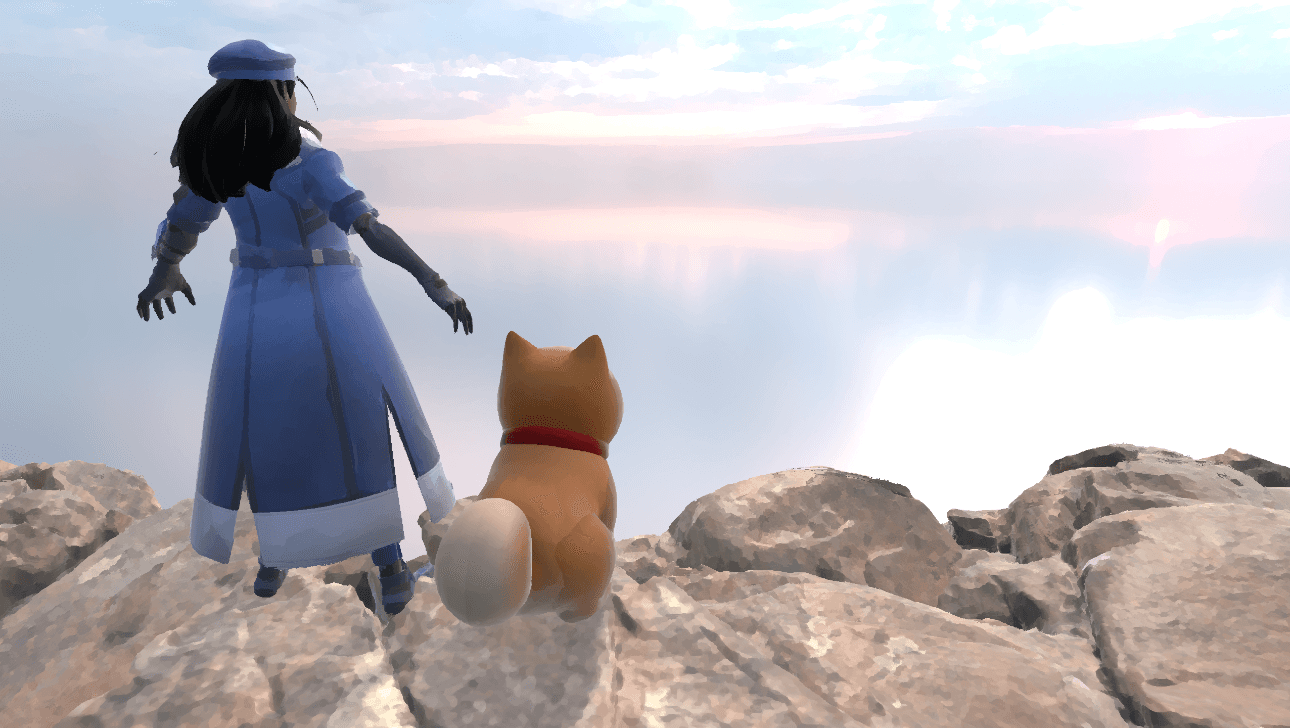
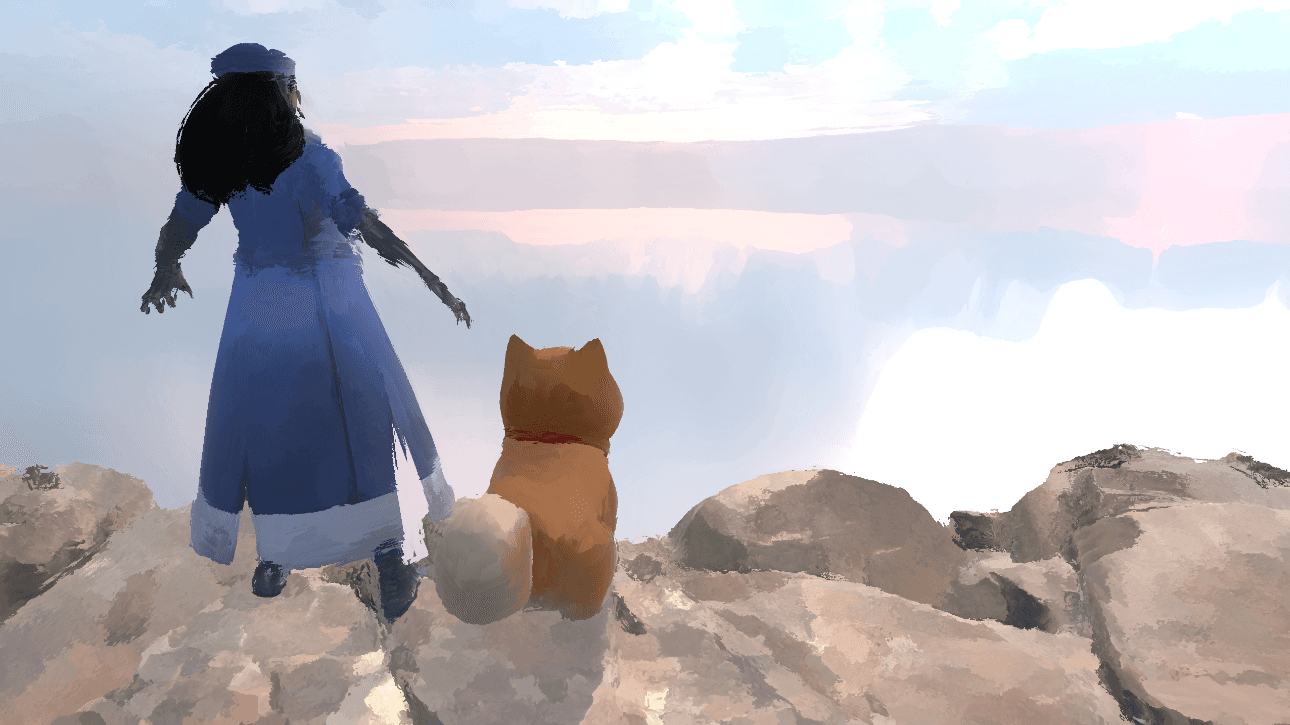
AKF Renderings
- Here are the different images under different params:
- The turnaround video of the scene:
b. One Last Stylization
OLS Introduction
Inspired by the famous song One Last Kiss and its cover, I decided to implement a stylization and took it as the concept art.
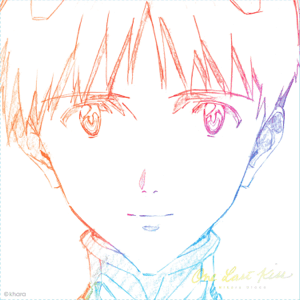
-
In my implemented OneLastShader, I:
- drawed two different dynamic outlines with different amplitude and frequency to animate manga-like strokes, and used multiple passes to speed up the calculations
- applied dense sketch texture with SSAO results using animated world coords
- applied another sketch texture to draw on simple shadows using animated world coords too.
- mapped to a hand-painted LUT texture
OLS Renderings
- Here's the final results:
c. Transition
To make a transtition of these two stylizations, I created another simple white screen renderer feature with configurable intensity. Besides, I created a controller script to toggle or switch the rendering effects using buttons on Inspector or keybords.
Here's the transition's video: