Description
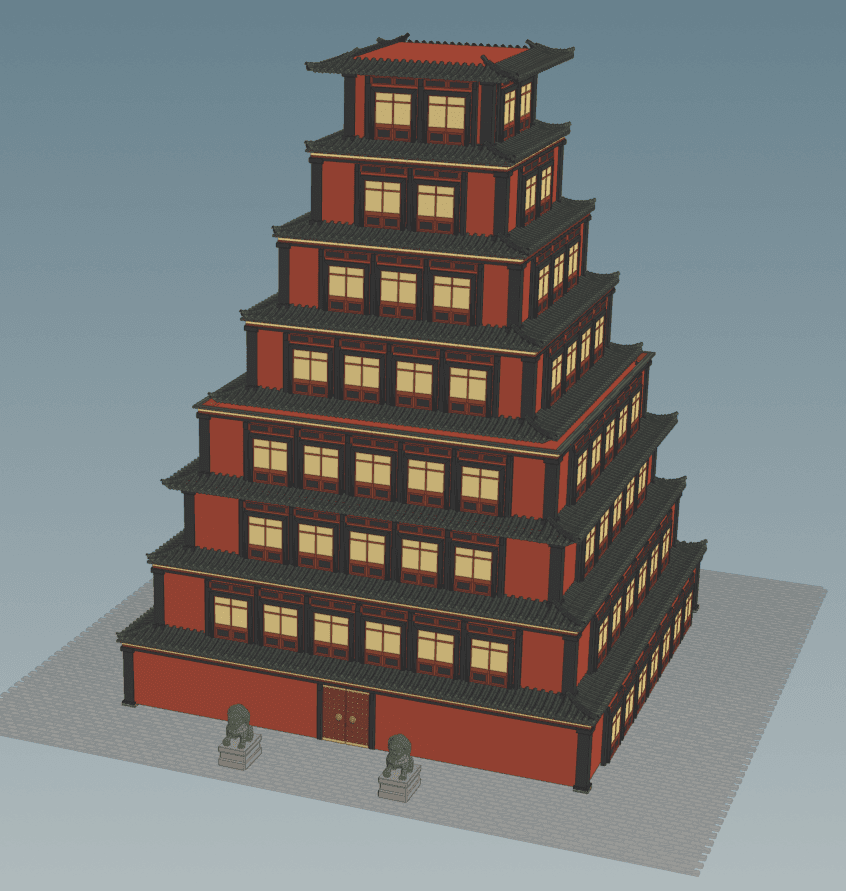
In this project, I created a multi-floor procedural building generator in Houdini.
Inspiration comes from traditional temple towers.

Demo:
Part 0: Floor Box
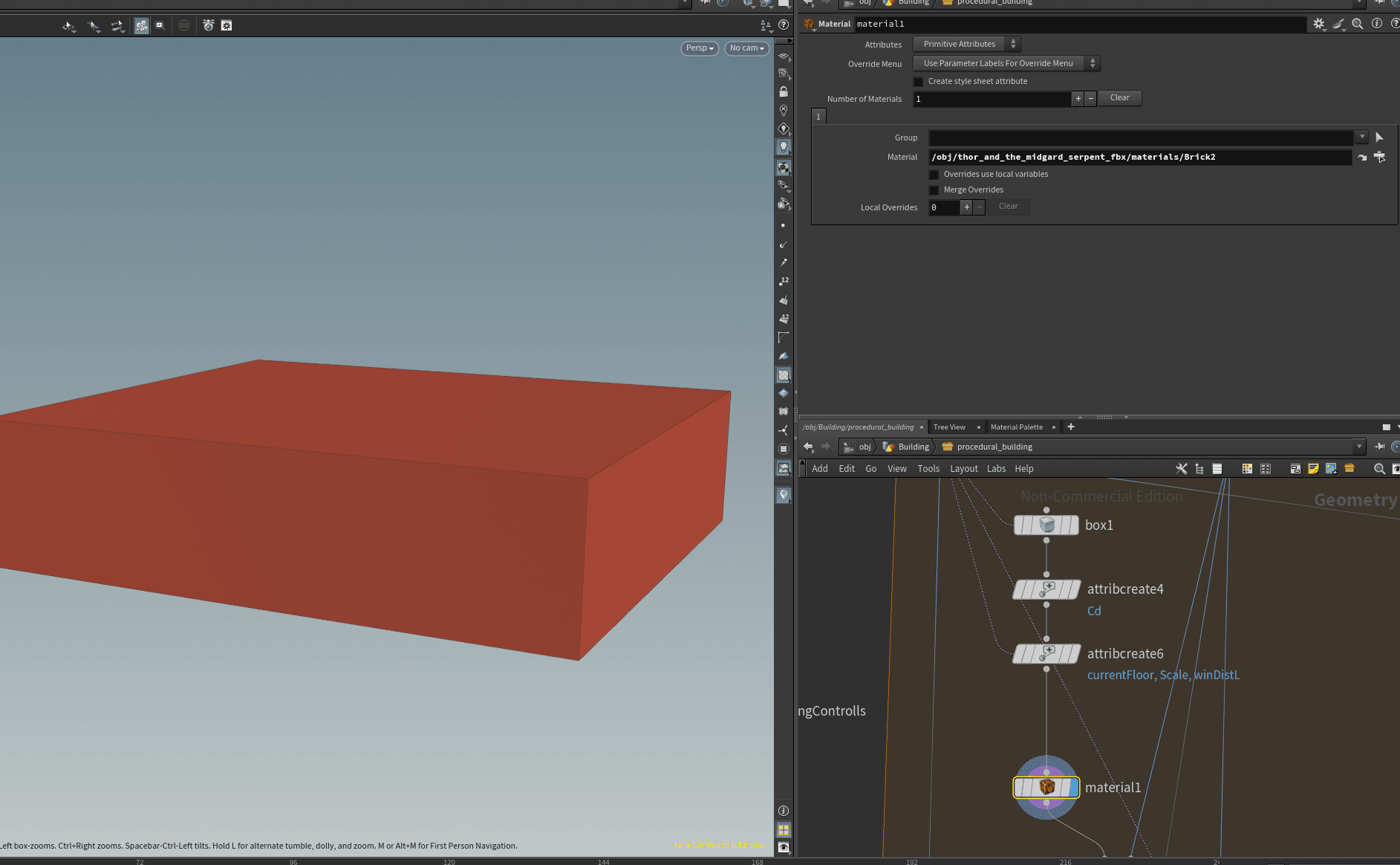
First step of the project is to create box according to the params as the main body of current floor. Besides, I added some attributes here as well as a material.
Part 1: Windows and pillars
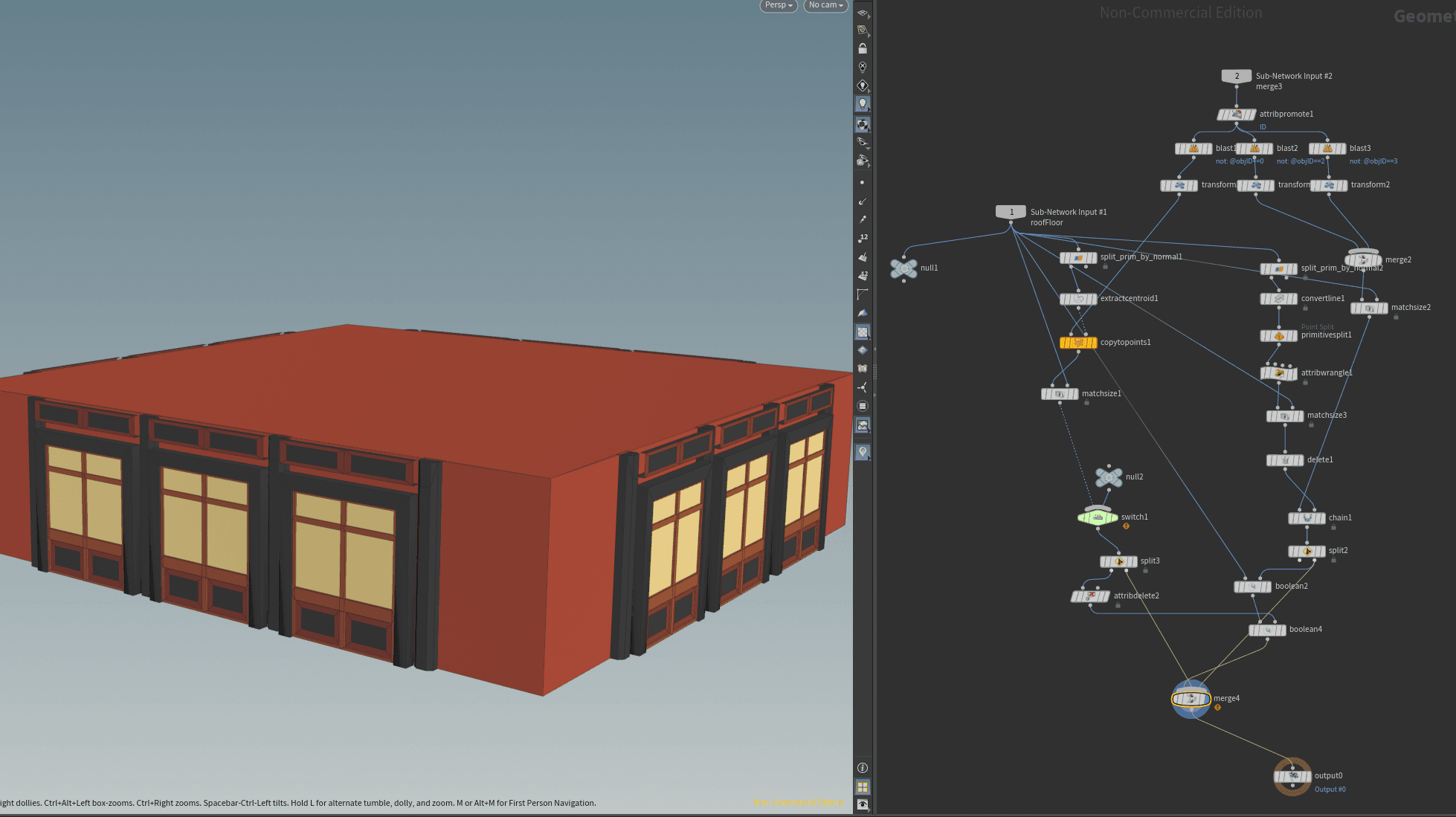
After that, I scattered the windows and pillars onto each walls according to the setting params. I also make sure that there will be no windows on the Z+ wall on first floor, which is expected to put doors on it.
Additionally, the width of these windows and pillars can be controlled by a controller node. And to ensure the pillars and windows are arranged as "PWPWP....WP " and centered, I implemented some logic in Attribute Wrangle and Chain nodes.
Part 2: Borders and Corner Pillars
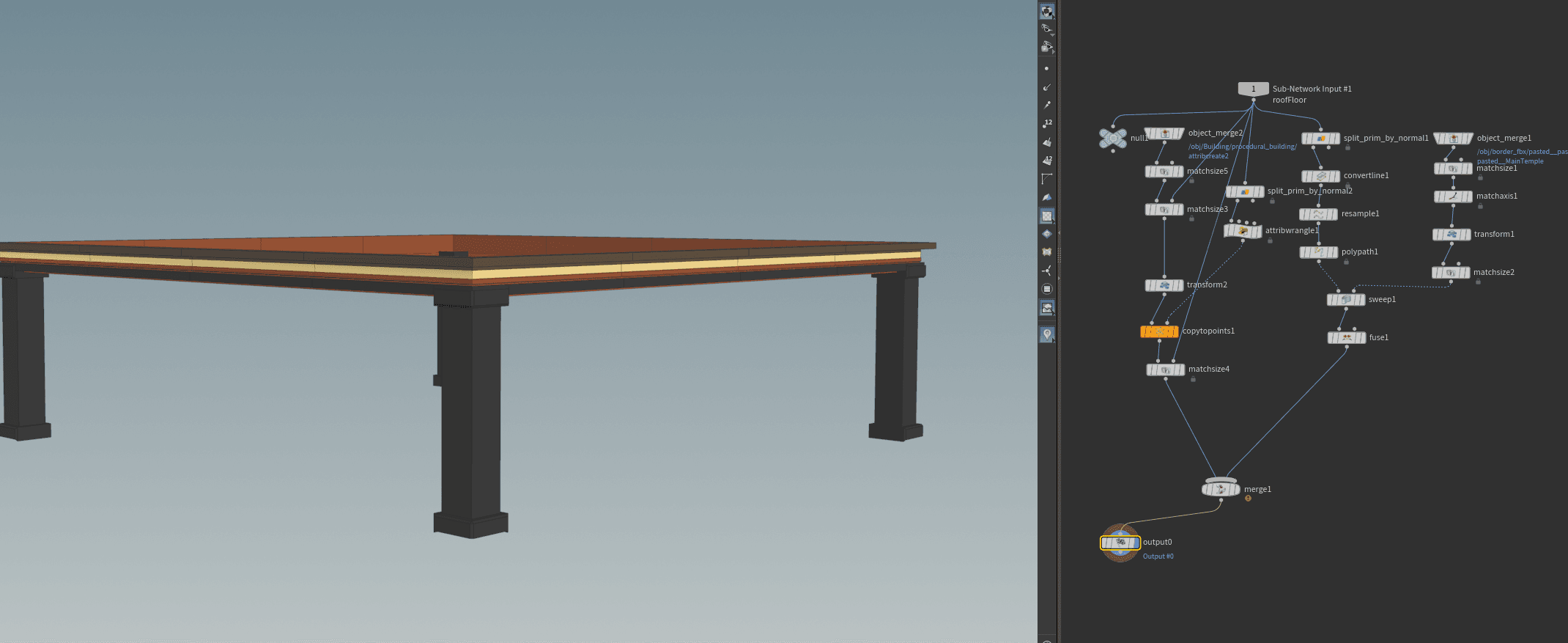
In this part I created the border on the top of the floor using Sweep Node and four big pillars in each corners.
Part3: Supporting Roof between Floors
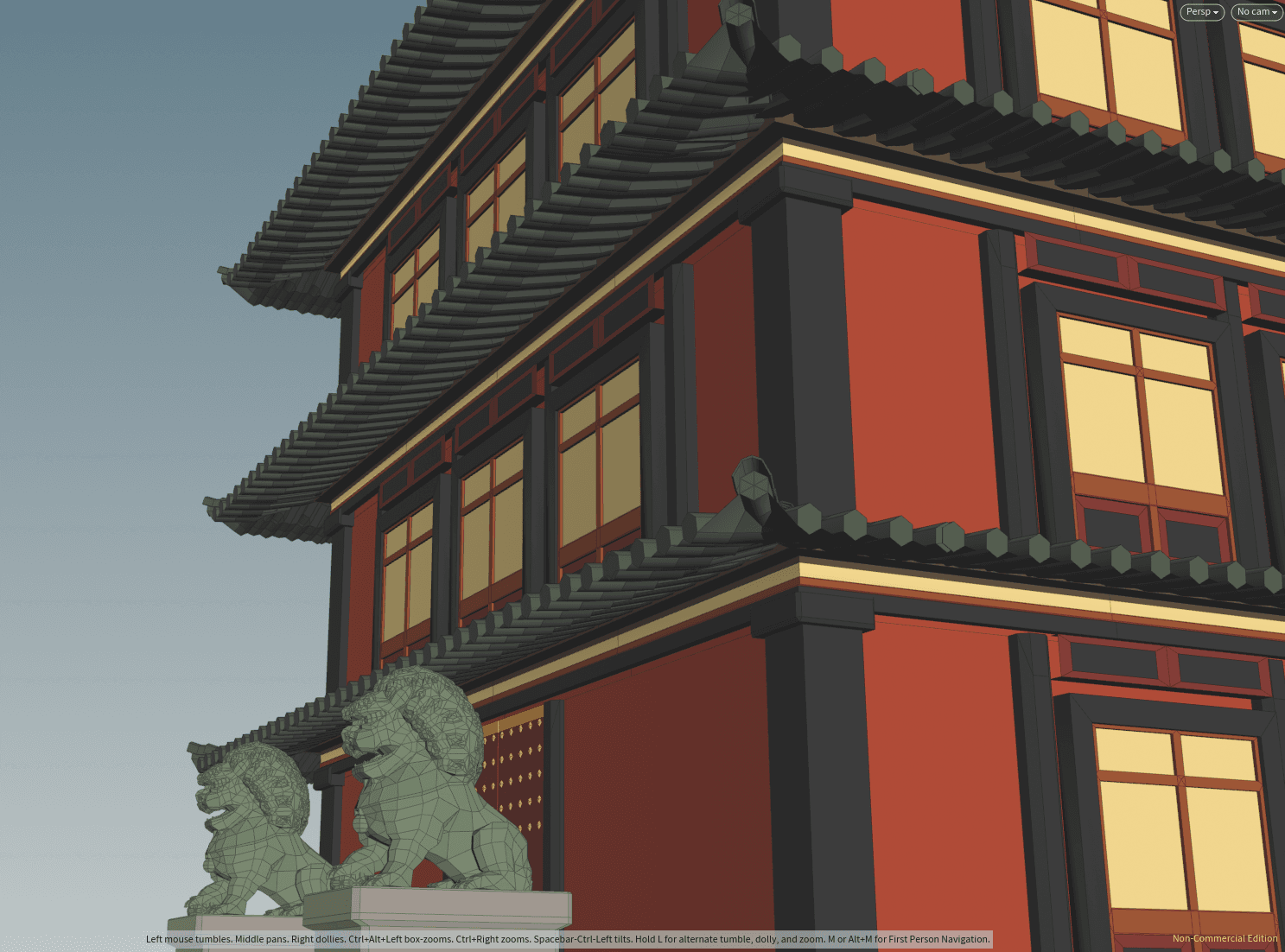
In this part, I created procedural roof between the floors just like those in my concept picture.
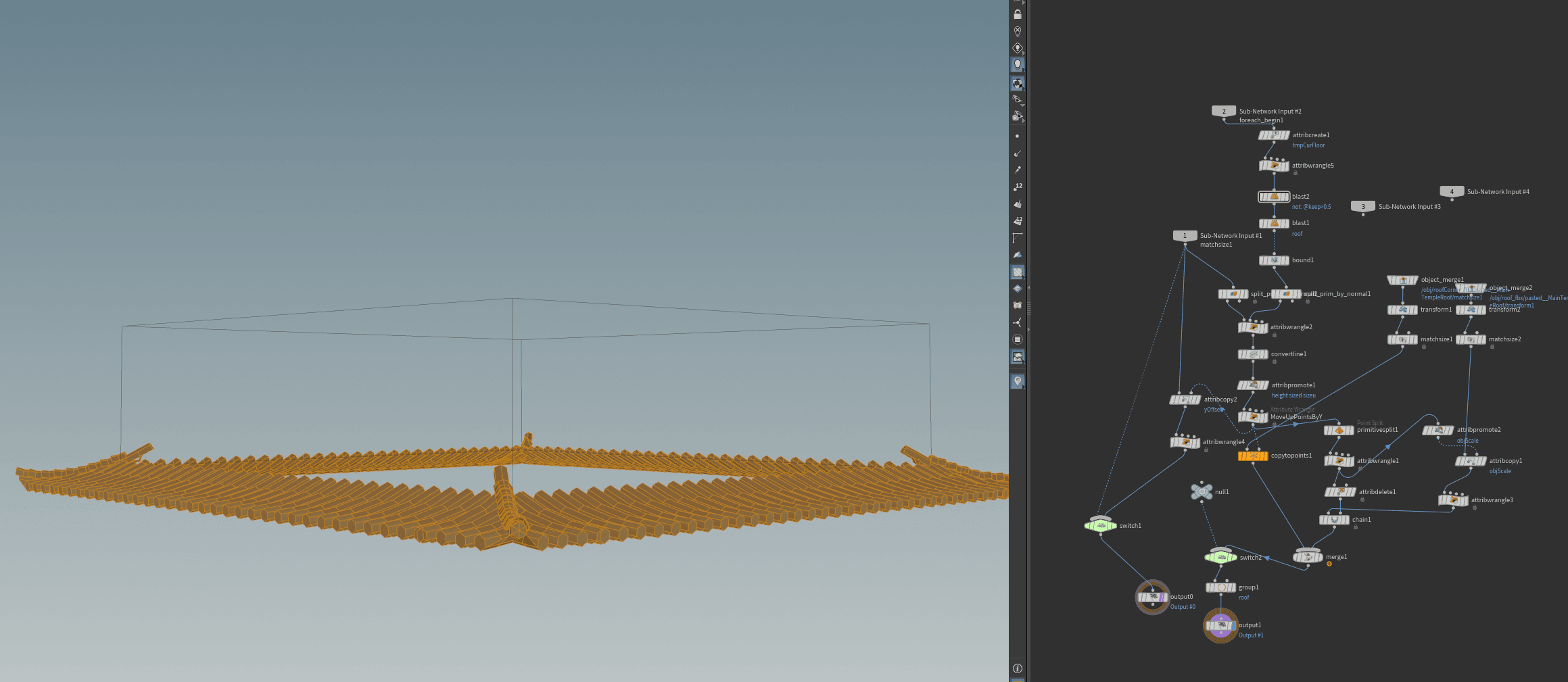
To implement this, I divided the roof into corner parts and tiles. Then I assembled them to fit the floor size of both floors.
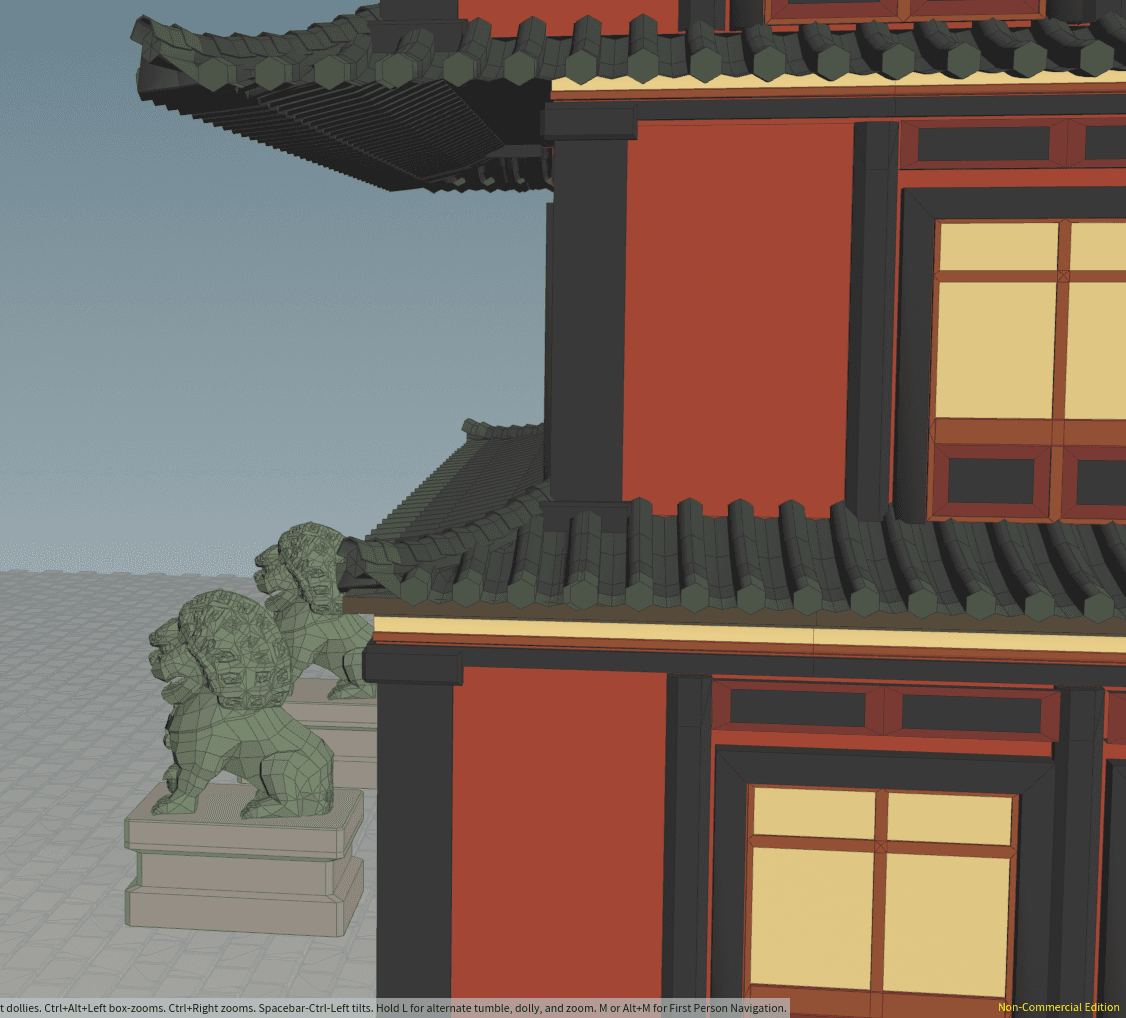
There are quite a lot details in this part. For example, I moved up the floors to make the roof fit the geometry, and I dynamically changed the tile's scale to make it fit the whole edge.
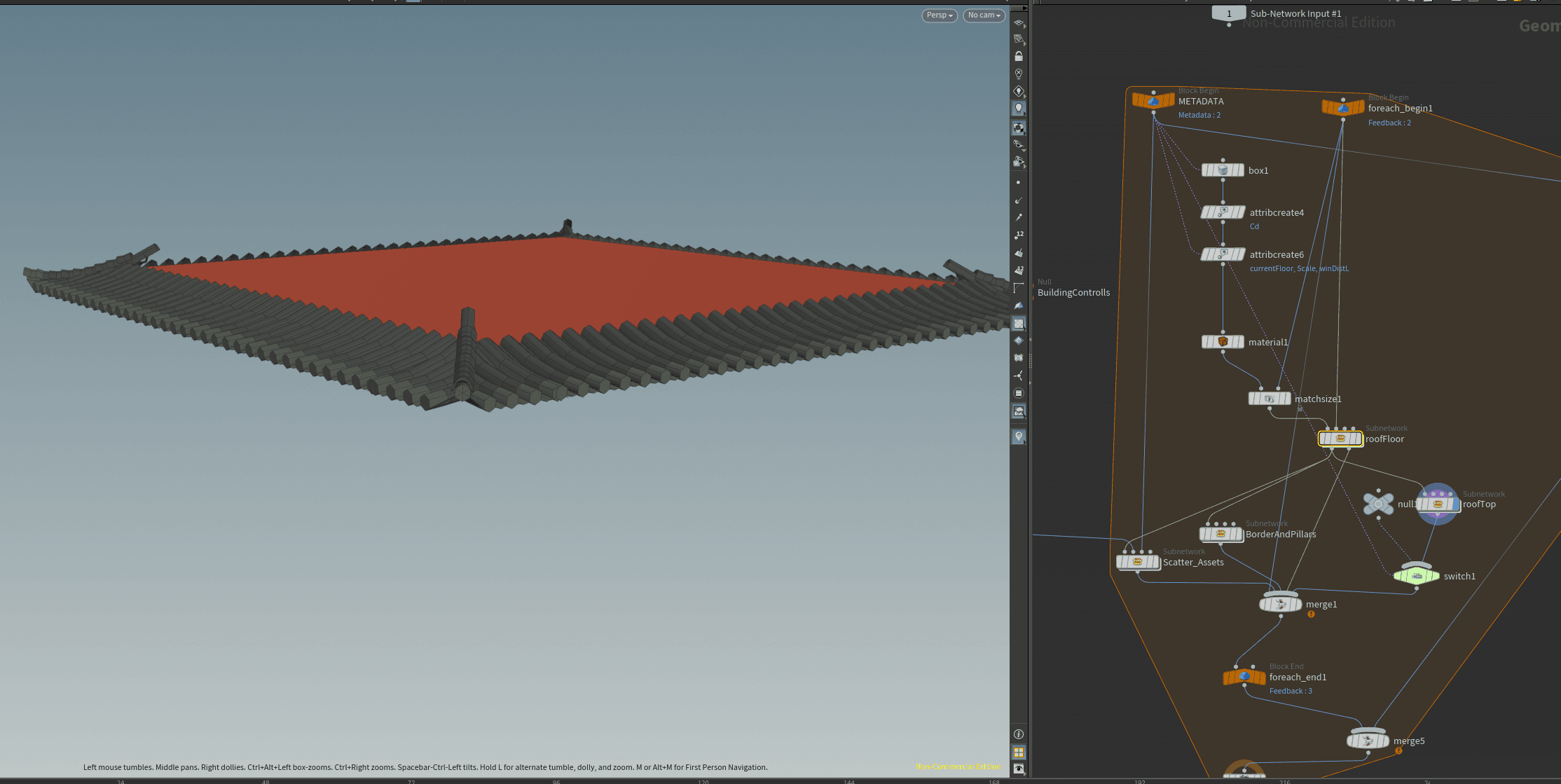
Part4: Top Roof
This part I implemented the roof on the top floor using similar logic as part 3. And I also created a top plane to cover the building.
Part5: Details
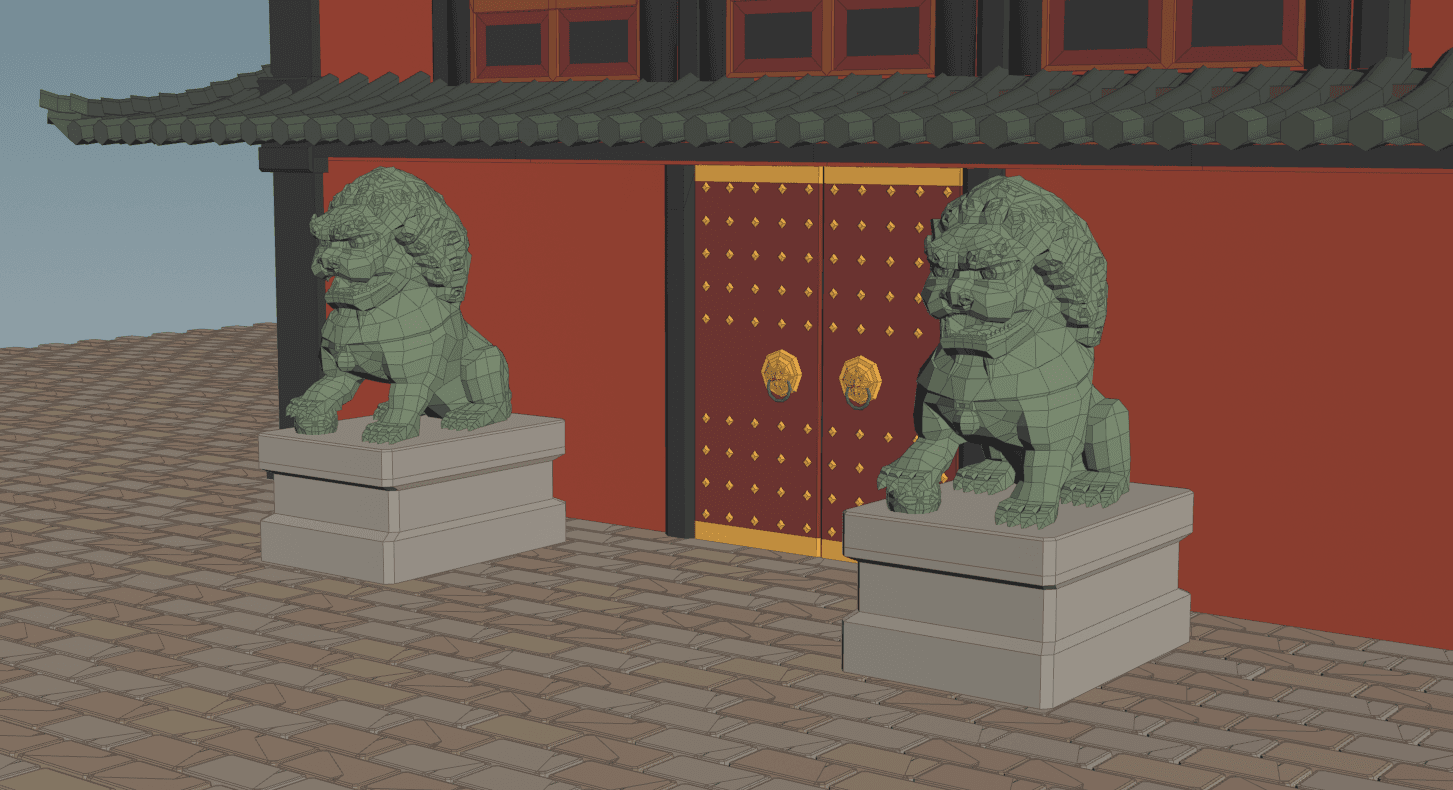
In this part I added a controll node to modify the scale of some of the objects. I also added two stone lions and brick floor to the building. And the lion will be auto arranged according to the building's params.
Final Results